
Licences for shared devices

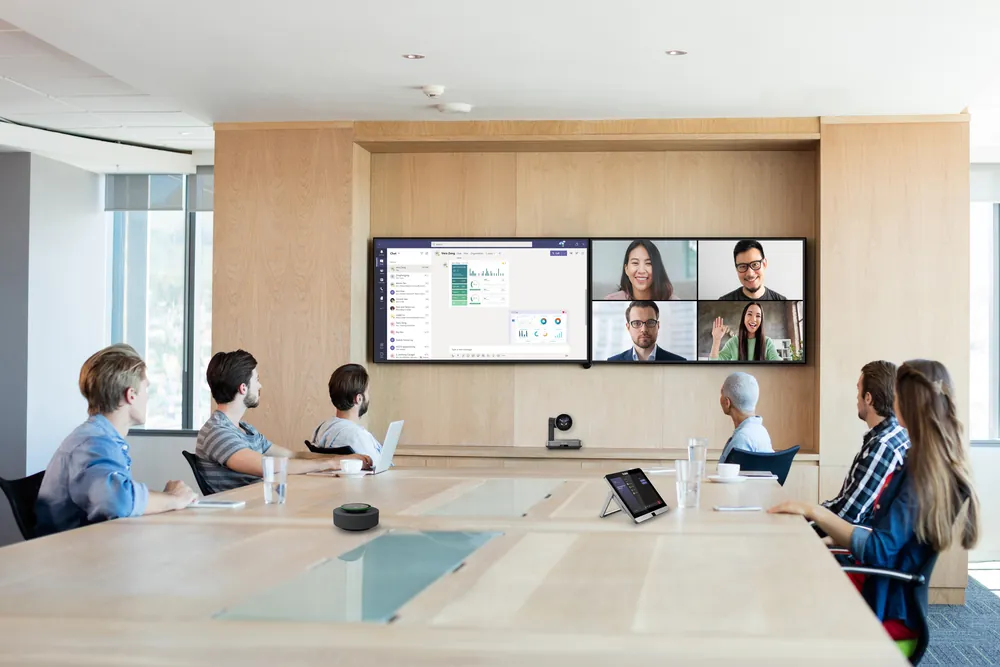
Meeting room with a Yealink video bar under two screens and a touch panel on the table
The short answer

A device everyone uses has its own licence.

A phone at reception, in the canteen or in a meeting room doesn’t belong to one person. There are separate per-device licences for that, often cheaper than a full user licence.

With Microsoft, you’re not even allowed to use a regular user licence on a shared meeting device.

Microsoft Teams

Shared devices in Teams.

Reception, canteen, warehouse

Teams Shared Space

For phones in common areas, Teams panels outside rooms and desk docks. Teams Phone and voicemail are included. Until April 2026 this licence was called Teams Shared Devices.

More about phones and devices →
Meeting rooms

Teams Rooms Basic or Pro

Basic is free for up to 25 rooms and covers meeting and sharing. Pro adds remote management, smarter audio and video and Teams Phone, among other things.

More about meeting rooms →
Auto attendants and queues

Resource Account

An auto attendant or call queue runs on a resource account with a free licence. Numbers and call costs come from your calling plan or operator.

More about contact centers →
Zoom

Shared devices in Zoom.

Reception, canteen, warehouse

Licence per device

Each shared phone has its own licence or calling plan, separate from your employees’ licences.

More about Zoom Phone licences →
Meeting rooms

Zoom Rooms

A meeting room with Zoom equipment gets its own Zoom Rooms licence per room.

More about meeting rooms →
What to watch for

Four things we often see.

  • User licence on a deviceA canteen phone on the licence of a (former) colleague.
  • Pro where Basic will doOr Basic in a room where you need remote management.
  • More than 25 roomsAbove 25 rooms Teams Rooms Basic is no longer possible; it becomes Pro.
  • Forgotten auto attendantsOld menus and queues with numbers nobody calls anymore.
Download

The checklist as a PDF.

Seven questions to take to your meeting or pass on to a colleague. Enter your name and email address and the PDF opens right away.

We only use your details to give you the checklist and, at most, to ask you once whether it helped. Read more in our privacy statement.

Need help?

We’ll map your devices and rooms.

We map which devices and rooms you have, which licences they use and what can be improved. We also guide you through the set-up and management.